A Row of Cards That Moves Sideways
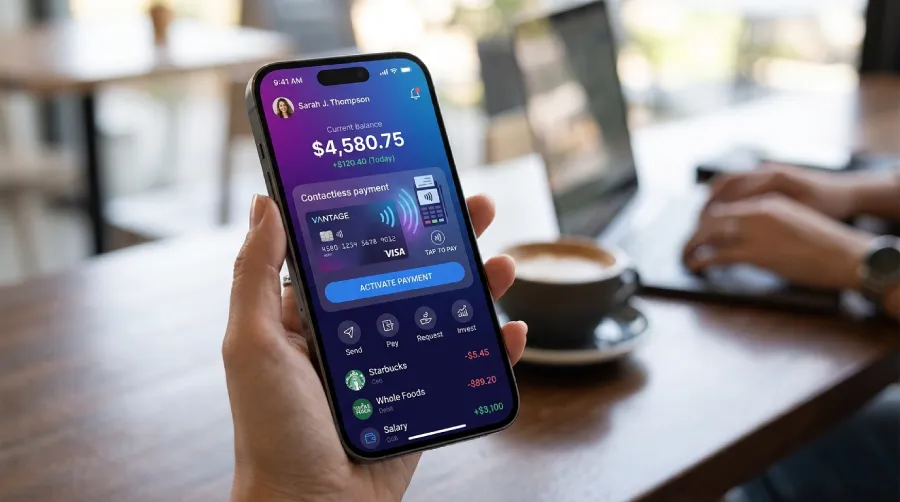
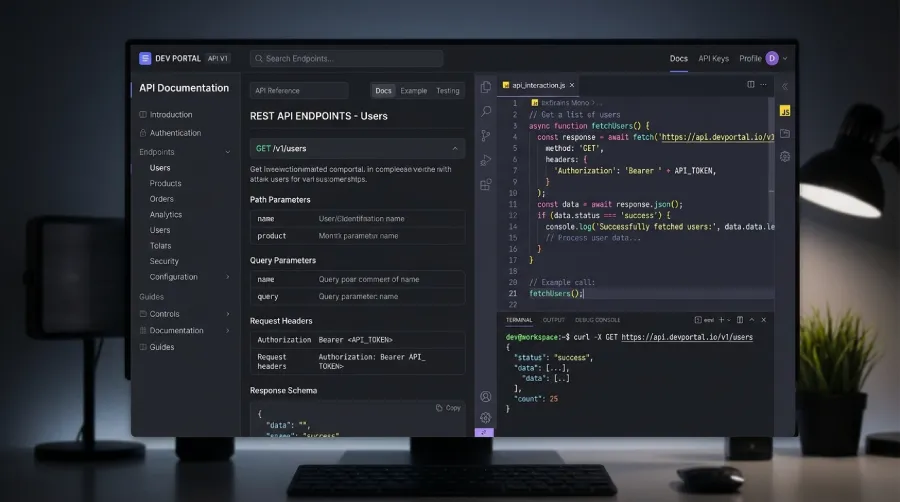
Horizontal Scroll Cards lines your cards up in a single row and moves it one of three ways: with the page scroll, by dragging, or on a loop of its own. Each card can carry an image, a badge, a subtitle, a title, a description, an icon and a button.

AI Credit Scoring

Real-Time Trading UI

Brand Identity

Explainer Video
Mobile Wallet
Developer Portal
One Card, Full Screen, at a Time
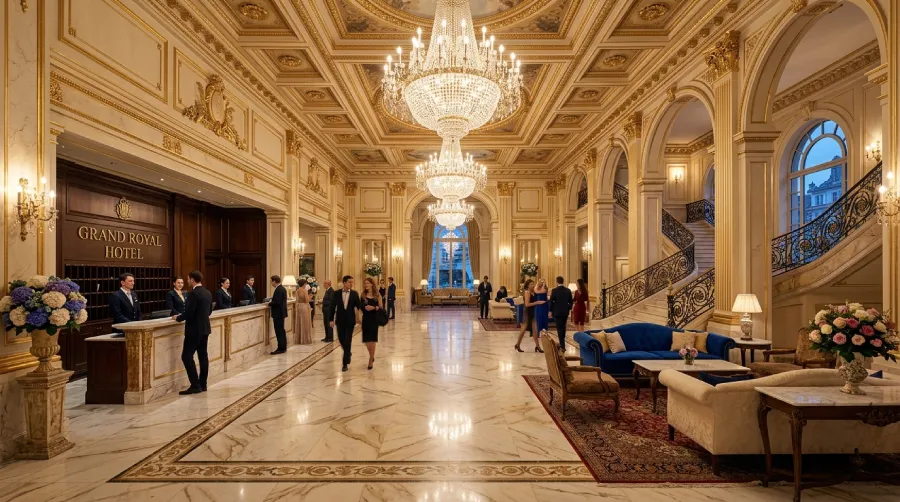
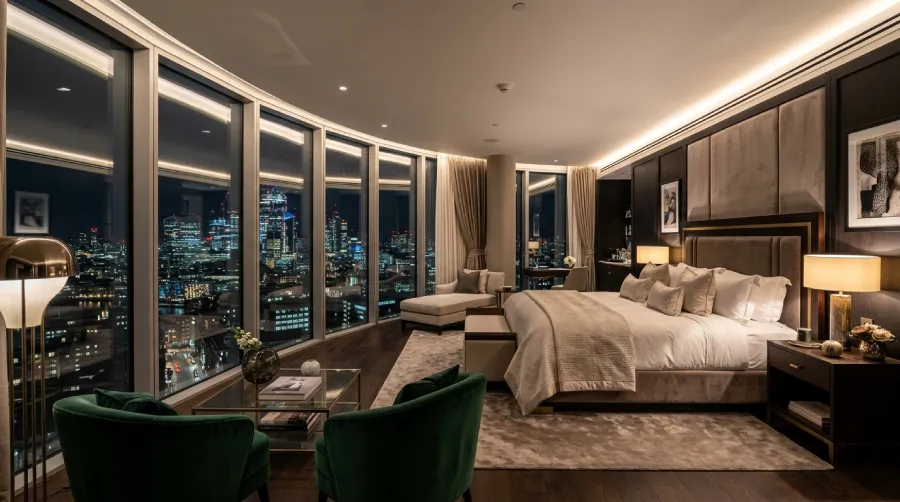
Cards Per View is set to 1 and the layout to Full Bleed, so each photo fills its card and the text sits on top. The section holds still until the row reaches its last card, then the page carries on.
01

02
03

04

05
A Ticker That Loops on Its Own
Auto Scroll mode keeps the row moving in a loop. You set how long one loop takes and which way it runs, and it pauses while the pointer is over it. These cards use the Split layout with an icon in place of an image, and each card can have its own icon color.
Community Forum
Verified Certificates
Self-Paced Lessons
Live Workshops
Career Guidance
Global Network
Drag Through the Team
On Drag mode lets visitors pull the row with a mouse or a finger. Momentum carries it on after they let go, Snap To Card stops it on the nearest card, and the Grey To Colour hover effect brings back the color of the portrait under the pointer.

Freya Isabella

Ivana Cajina

Vince Fleming

Emily Morgan

Mark Rivera

Sara Collins
Progress Ring and Card Counter
The Circular progress style places a ring above the row with the card counter inside it. Direction is set to Right To Left, so the row starts at its far end and travels back as you scroll, and the Glow Ring hover effect outlines the card under the pointer.
AI Credit Scoring
Real-Time Trading UI
Brand Identity
Explainer Video
Mobile Wallet